Building an MCP Server
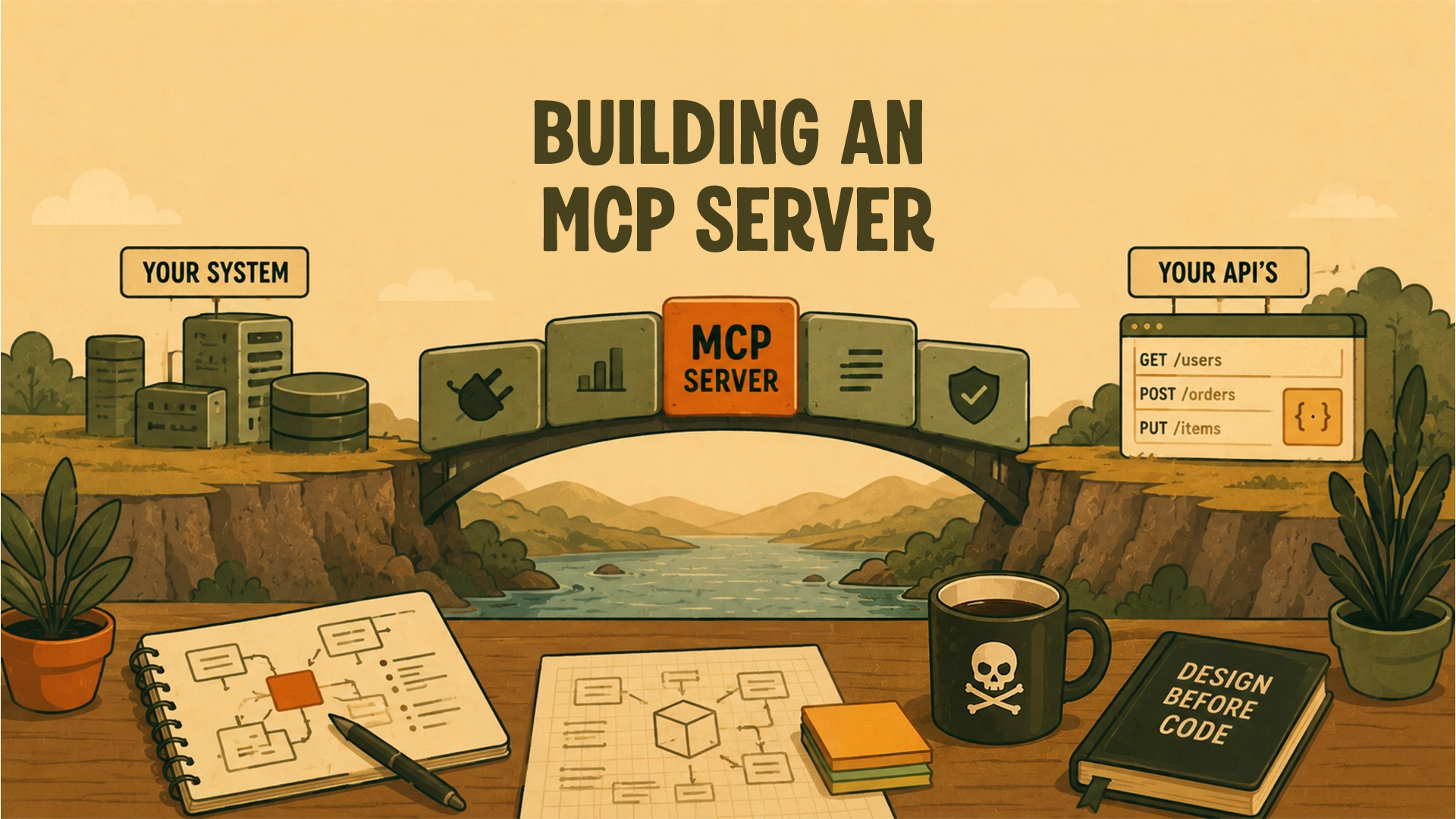
Starting With Boundaries
I’m starting to build my second MCP server.
The first one worked, but it was very run-and-gun. It grew out of immediate needs, quick experiments, and a lot of “let’s just get this working.” That phase was useful. I learned a lot by building directly into the mess.
This time, I want to slow down before writing too much code.
At a high level, the goal is simple: I have a system with APIs, and I want AI agents to be able to interact with those APIs through MCP tools.
The interesting part is not just exposing tools. The interesting part is deciding where responsibilities should live.
Some questions I’m thinking about:
- Should the MCP server call existing APIs or reach deeper into the system?
- Where should authentication happen?
- What should the MCP server know about users, permissions, and ownership?
- What should be logged?
- What should never be logged?
- How should errors be shaped for an AI client?
- Which transport should come first?
- What should work locally before anything is deployed?
- What is the smallest useful vertical slice?
The lesson I’m carrying forward is that an MCP server can become more than a thin bridge if you’re not careful. It can slowly turn into a second backend, a workflow engine, a logging system, or a pile of one-off exceptions.
Maybe some MCP servers need that.
For this one, I want to be more intentional.
Before building the tools, I want to design the boundary.
The tools will come later. Right now, I’m more interested in understanding where the MCP server should end and where the rest of the system should begin.
Sprouts 🌱 are early ideas that might need revision and attention.
Saplings 🌿 are a step above—not fully developed but more fleshed out than sprouts.
Evergreens 🌲 are complete and likely won't be updated anymore.
Read more about my digital garden.